About NCITE Mobile Detective
FOR OFFICIAL LAW ENFORCEMENT USE ONLY -- UNAUTHORIZED ATTEMPTS TO ACCESS FBI AND STATE DATABASES ARE LOGGED AND REPORTED NCITE(R) Mobile Detective is an application designed for law enforcement officials to access...
FOR OFFICIAL LAW ENFORCEMENT USE ONLY -- UNAUTHORIZED ATTEMPTS TO ACCESS FBI AND STATE DATABASES ARE LOGGED AND REPORTED
NCITE(R) Mobile Detective is an application designed for law enforcement officials to access information from NCIC and NLETS.
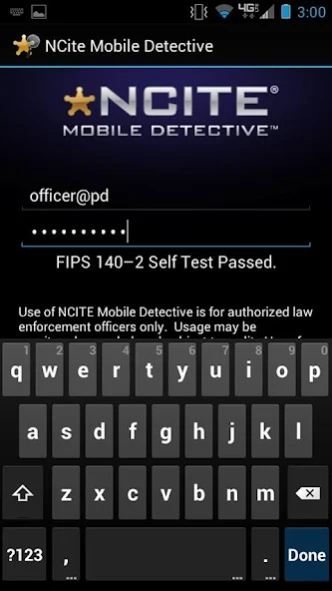
The application complies with all CJIS Security Requirements established by the FBI, including FIPS 140-2 compliant encryption methods, and built in anti-virus / root detection.
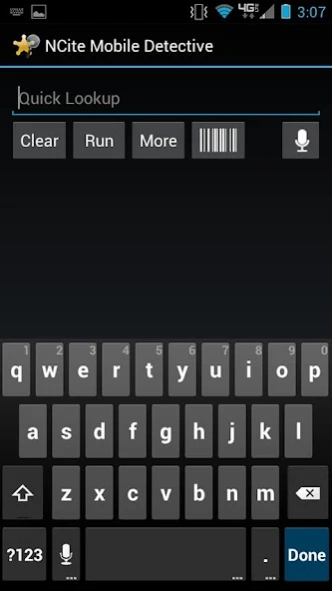
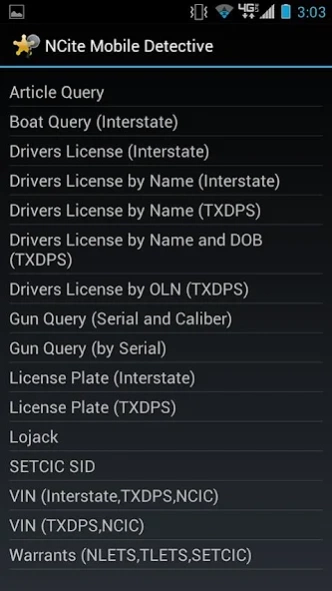
With NCITE Mobile Detective, you can query individuals, vehicles, articles, guns, and boats, as well as perform many other NLETS queries.
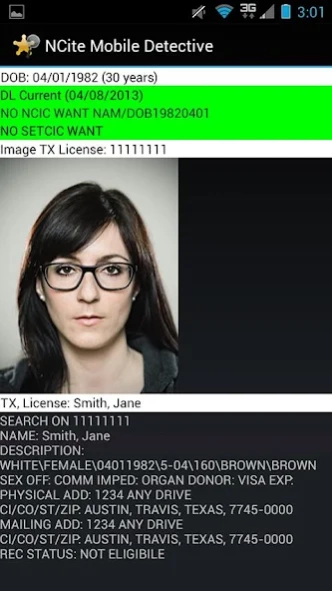
The application returns DL photos for all states that participate in photo queries (most states).
Law enforcement agencies wishing to implement NCITE Mobile Detective must have an NCITE appliance installed at their agency for the application to work.
Agencies interested can visit www.ncite.com.
Previous Versions
Here you can find the changelog of NCITE Mobile Detective since it was posted on our website on 2016-12-22 13:13:01.
The latest version is 1.12 and it was updated on 2024-04-22 13:00:09. See below the changes in each version.
NCITE Mobile Detective version 1.12
Updated At: 2016-05-05
Changes: Cryptographic library update.
Disclaimer
Official Google Play Link
We do not host NCITE Mobile Detective on our servers. We did not scan it for viruses, adware, spyware or other type of malware. This app is hosted by Google and passed their terms and conditions to be listed there. We recommend caution when installing it.
The Google Play link for NCITE Mobile Detective is provided to you by apps112.com without any warranties, representations or guarantees of any kind, so access it at your own risk.
If you have questions regarding this particular app contact the publisher directly. For questions about the functionalities of apps112.com contact us.